How to Add Bongo Cat Plugin to OBS Studio (2026 Guide)
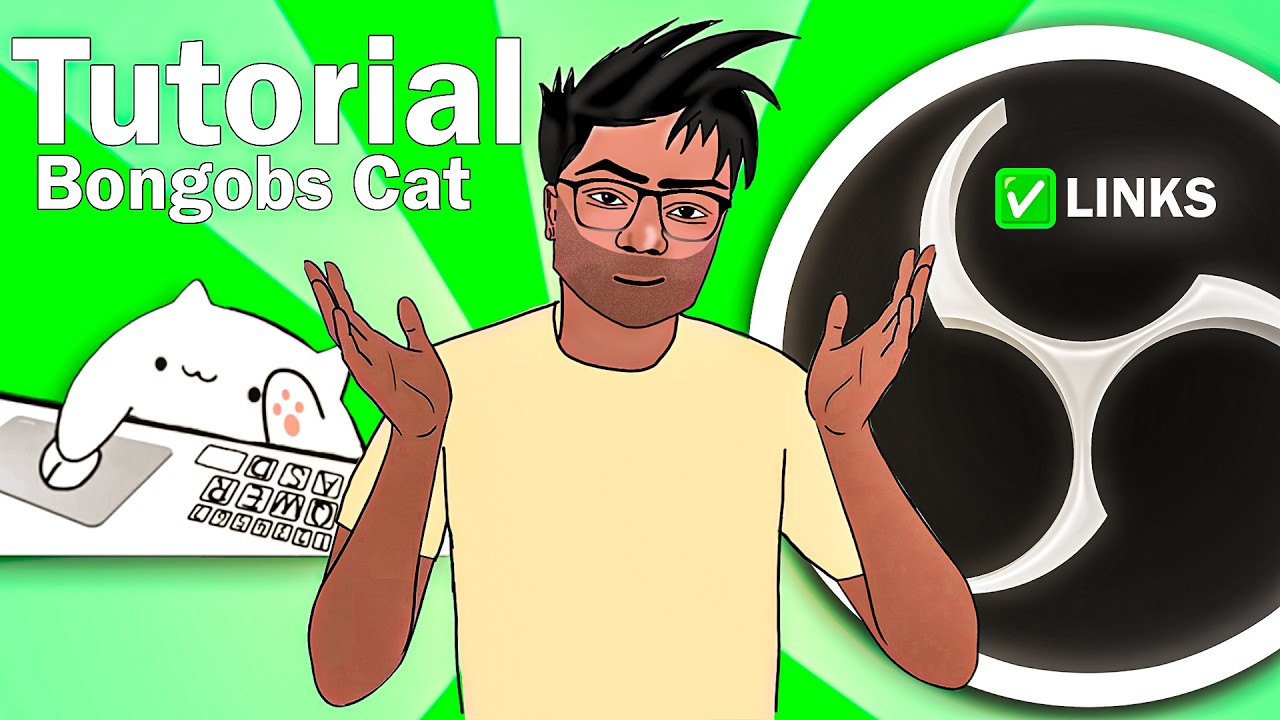
Want to add some personality to your live streams? In this video, I’ll show you exactly how to install and set up the Bongobs Cat Plugin for OBS Studio! This interactive cat follows your mouse movements and keyboard presses in real-time, making it the perfect companion for gaming or coding streams. 🔥 Get the Plugin Here: 👉https://washimarahaman-ui.github.io/bbms-links/ In this tutorial, we cover: 💠Where to download the Bongobs Cat files. 💠The correct folders to paste the plugin into. 💠How to add the Bongo Cat source in OBS. 💠Customizing modes (Keyboard, Mouse, Tablet, and Mania). If this video helped you out, don't forget to Like and Subscribe for more streaming tips and OBS tutorials! Chapters: 0:00 Intro 0:31 Downloading the Plugin 1:05 Installation & File Placement 2:13 Adding Bongo Cat to OBS 2:36 Customizing Settings 3:23 Final Result #BongoCat #OBSStudio #StreamingTips #BongobsCat #StreamOverlay #GamingSetup
آپ کو یہ بھی پسند آ سکتا ہے
Featured Picks
مزید entertainment چاہتے ہیں؟ ہمارے recommended gaming hub اور short-drama destination کو explore کریں۔