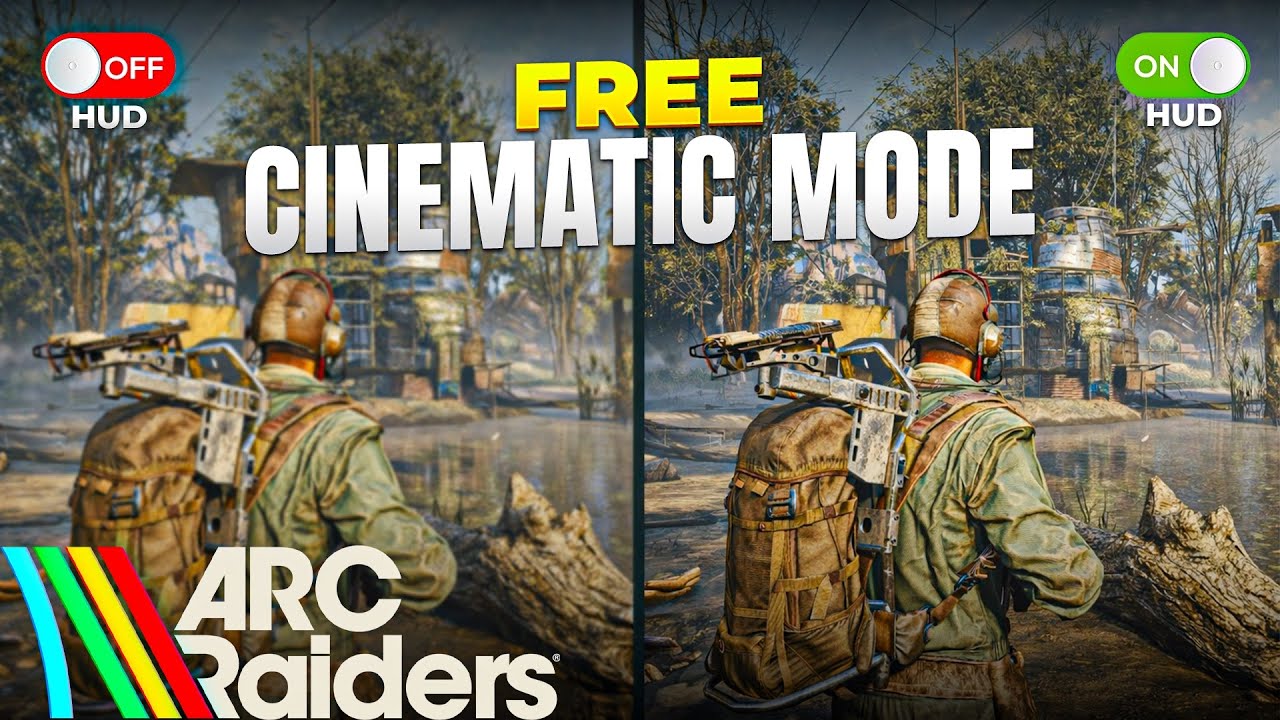
Arc Raiders Thumbnails Instantly Look More Cinematic With This
Learn how to make cinematic YouTube thumbnails in Arc Raiders using a simple HUD free method that makes your videos stand out instantly. In this tutorial I show you how to turn off the HUD in Arc Raiders and capture clean cinematic screenshots using OBS so you can create better thumbnails without complicated editing. This video walks you through how to go fully HUD less in Arc Raiders and how to capture high quality screenshots that look perfect for YouTube thumbnails. You will also see how using binoculars can create a more cinematic look by changing the camera perspective and environment. If you want your Arc Raiders thumbnails to look cleaner more cinematic and more clickable this method will help you capture the best moments quickly and easily. This tutorial is perfect for content creators YouTubers and gamers who want to improve their thumbnails and make their Arc Raiders videos pop. If you enjoy Arc Raiders guides OBS tips and creator focused tutorials consider subscribing for more content like this. ⏱️ Timestamps 00:00 Why cinematic thumbnails matter 00:08 What this video covers 00:18 Turning off the HUD in Arc Raiders 00:32 Finding a good thumbnail location 00:42 Capturing screenshots with OBS 01:03 Using binoculars for cinematic shots 01:27 Environmental effects for thumbnails 01:45 Final example screenshot 01:56 Final thoughts and outro
آپ کو یہ بھی پسند آ سکتا ہے
Featured Picks
مزید entertainment چاہتے ہیں؟ ہمارے recommended gaming hub اور short-drama destination کو explore کریں۔