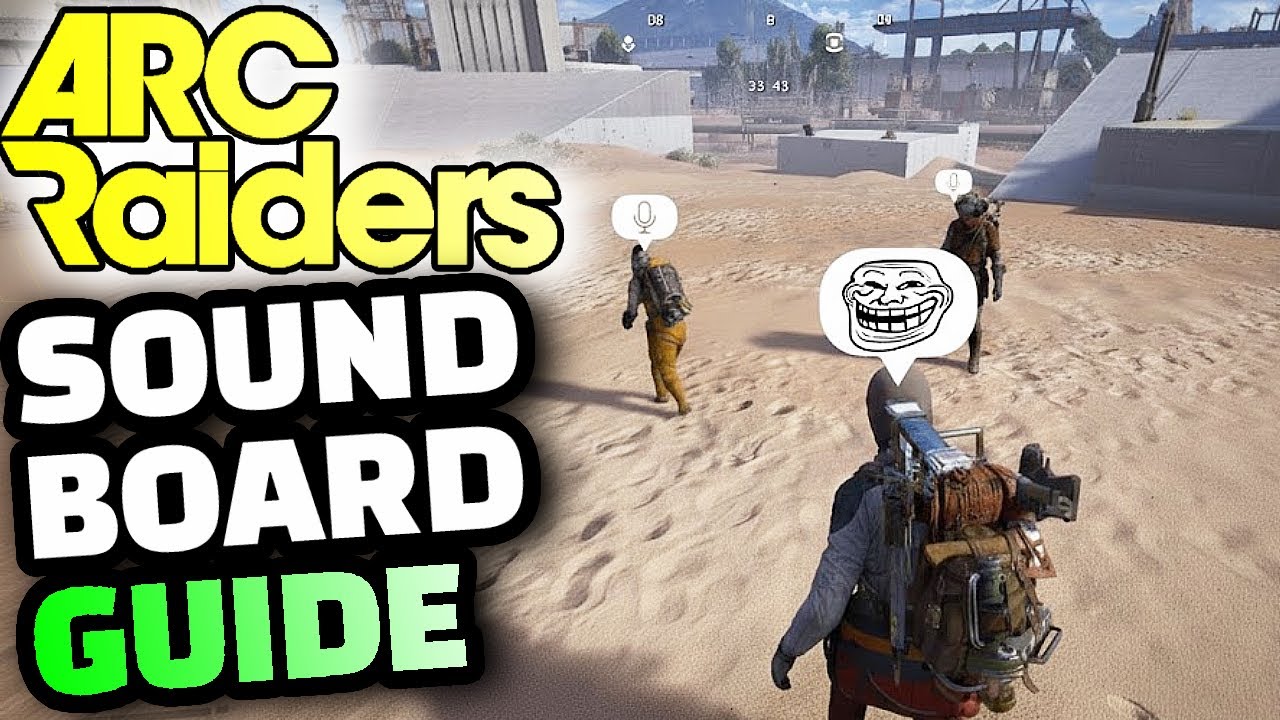
Arc Raiders - How to Use a Soundboard With Voice Chat
This Arc Raiders guide will teach you how to use a soundboard and set up your sound device so that you can play meme clips and songs through your virtual microphone to other players, allowing you to create funny or memorable moments within the game. This method plays the soundboard clips which you can hotkey for convenience through your microphone rather than having to hold your headset or speakers up to your mic, and has a much cleaner sound to it than any other method. If you're looking to use a soundboard to spice up your gameplay in ARC Raiders, this is how you do it. 0:00 Introduction & What You'll Learn 0:12 Step 1: Install VB Audio Cable Driver 0:41 Step 2: Download EXPound Soundboard 1:00 Step 3: Restart Your PC 1:15 Step 4: Set Up Mic and Cable Audio Routing 2:42 Step 5: Change In-Game Voice Chat Input 3:07 Configuring the Soundboard and Hotkeys 3:58 Using Soundboard with Push-to-Talk 5:10 Final Step & Universal Application 5:34 Demonstration Clips 6:30 How to Undo the Settings 7:55 Conclusion If you want to play Arc Raiders, visit: https://store.steampowered.com/app/1808500/ARC_Raiders/ 💸Donate here: https://streamlabs.com/swolebenji (Text to speech for $1 or more.) 💬 Discord: https://discord.gg/B39RsuNGz6 Support me by becoming a CHANNEL MEMBER!: https://www.youtube.com/channel/UCxa1v9wVMmjYUhUfQOJxbzw/join #ArcRaiders #EmbarkStudios #Gaming
آپ کو یہ بھی پسند آ سکتا ہے
Featured Picks
مزید entertainment چاہتے ہیں؟ ہمارے recommended gaming hub اور short-drama destination کو explore کریں۔