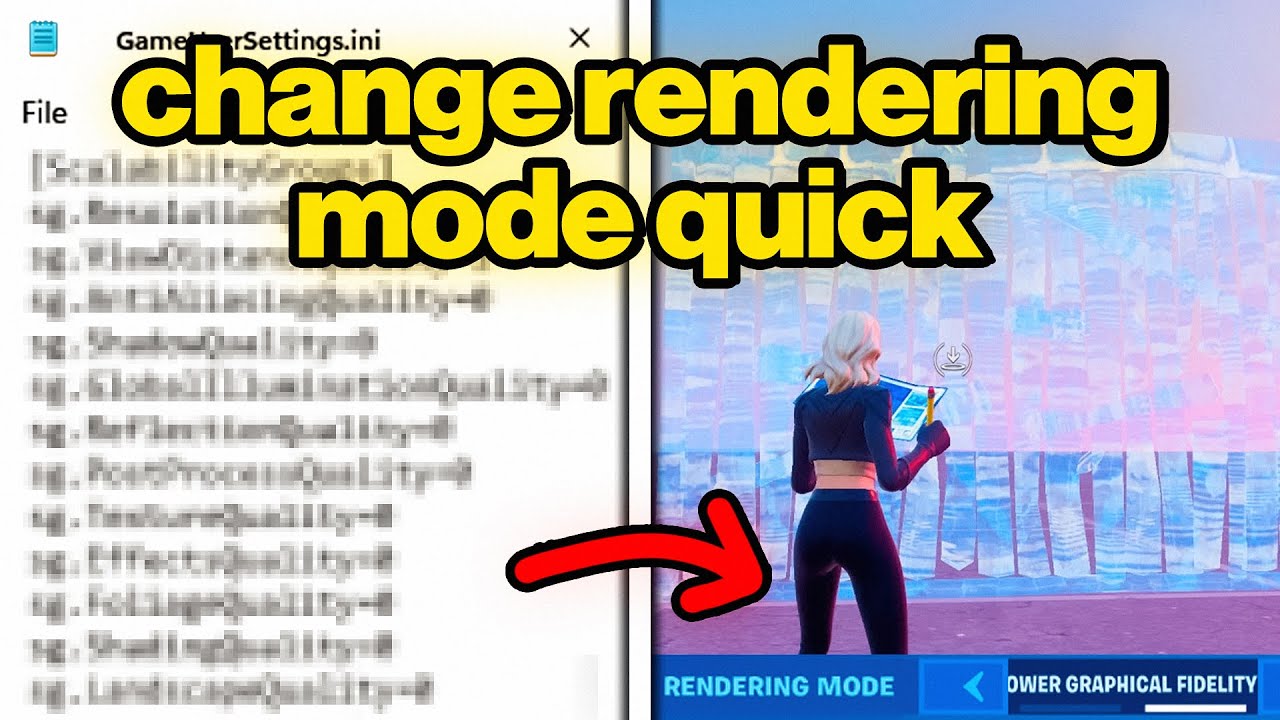
Quickest Way To Change Rendering Mode (Fortnite)
🔴 I'M LIVE 🔴 https://www.twitch.tv/fxtch Salaam, it's Fxtch or Yusuf here! Today I am going to be showing you How To Change Your Fortnite Rendering Mode to DirectX 11 / DirectX 12 / Performance Mode from your GameUserSettings (Game Config) & Epic Games Launcher + How To Fix Fortnite Game Settings Not Saving in Fortnite Battle Royale! I try to keep these videos as clean & family friendly as possible. Hope you all enjoy, stay blessed 💫 SUBSCRIBE https://www.youtube.com/@fxtch?sub_confirmation=1 FOR V-BUCK GIVEAWAYS 🎁 ╔═╦╗╔╦╗╔═╦═╦╦╦╦╗╔═╗ ║╚╣║║║╚╣╚╣╔╣╔╣║╚╣═╣ ╠╗║╚╝║║╠╗║╚╣║║║║║═╣ ╚═╩══╩═╩═╩═╩╝╚╩═╩═╝ ---------------------------------------------------------------- 👇 Game User Settings codes 👇 Performance Mode = es31 DirectX 11 = d3d11 DirectX 12 = d3d12 👇 Epic Launcher Options codes 👇 Performance Mode = -FeatureLevelES31 DirectX 11 = -FeatureLevelD3D11 DirectX 12 = -FeatureLevelD3D12 🎥 The BEST Game User Settings for FPS BOOST & ZERO INPUT DELAY ➜ https://youtu.be/-aES7A_snuk?si=0VC5ajrBxhYMGN_T ---------------------------------------------------------------- Follow all of these to join the community: 🐦 Twitter ► https://x.com/fxtch_ 🎶 TikTok ► https://www.tiktok.com/@fxtch 💙 Discord ► https://discord.gg/fxtch -------------------------------------------------------------------- • Video Edited by https://x.com/lxbbyy (Xen Libby) • Background Music provided by https://epidemicsound.com/referral/yvagm6 (Epidemic Sound) • For any questions or inquiries regarding this video, please reach out to business@fxtch.com Alhamdulillah 🤲 How To CHANGE Rendering Mode in Game User Settings (Fortnite Game Config) #fortnite #fortnitesettings #renderingmode
You Might Also Like
Featured Picks
Looking for more entertainment? Explore our recommended gaming hub and short-drama destination.