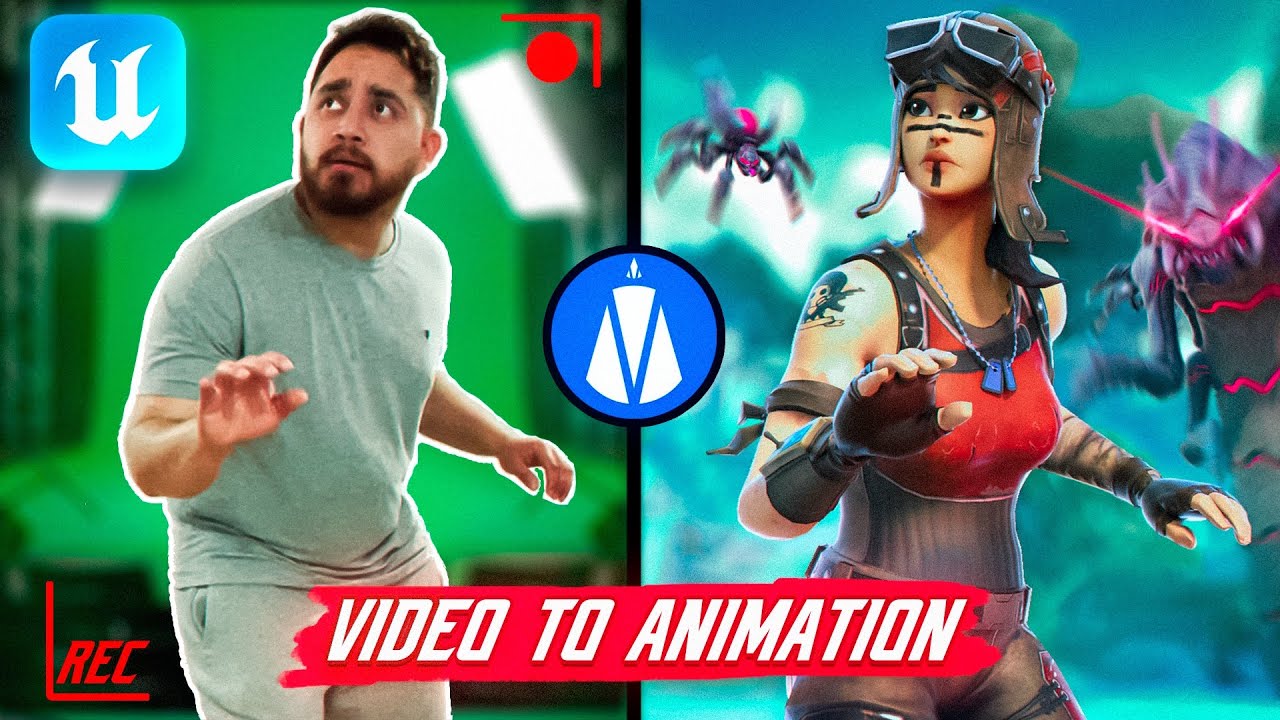
Custom Fortnite Animations With Just Video! - Quick Magic and UEFN Motion Capture Tutorial
TIMESTAMPS: 00:00 Intro 00:17 Quickmagic Overview 00:45 Signing Up to Quickmagic 01:04 How to Capture the VIdeo 02:03 Convert Video to MP4 02:42 Uploading the Video to Quickmagic 02:58 Preparing the Video in Quickmagic 06:11 Downloading the Animation 06:59 Importing to UEFN 07:46 Retargeting the Animation 08:44 Testing the Animation with the Character Device 10:04 Cinematic Example 10:18 Ending This is part of the UEFN Cinematics Course for Beginners. You can check out my other tutorials in this playlist: https://youtube.com/playlist?list=PLdcDqhKWZt4p4-9svKLfq-tfl-3ALNgjW&si=TfCFzyH_Foh_F_mN Quick Magic website: https://www.quickmagic.ai/home Convert .MOV to .mp4: https://www.adobe.com/express/feature/video/convert/mov-to-mp4 How to use Mixamo Animations with the Character Device: https://youtu.be/0doJ-NNkmJs 💖 SUPPORT ME ON PATREON: https://www.patreon.com/imjaviromero 📱 FOLLOW ME ON SOCIALS: Join my Discord server: https://discord.gg/pQx4DvtfQ9 X / Twitter: https://x.com/imJaviRomero LinkedIn: https://www.linkedin.com/in/imjaviromero/ 📽️ SULFURIC MEDIA (CINEMATIC TRAILERS) Website: https://www.sulfuricmedia.com/ Portfolio: https://www.artstation.com/sulfuricmedia
आपको ये भी पसंद आ सकते हैं
Featured Picks
और entertainment चाहिए? हमारे recommended gaming hub और short-drama destination को explore करें।