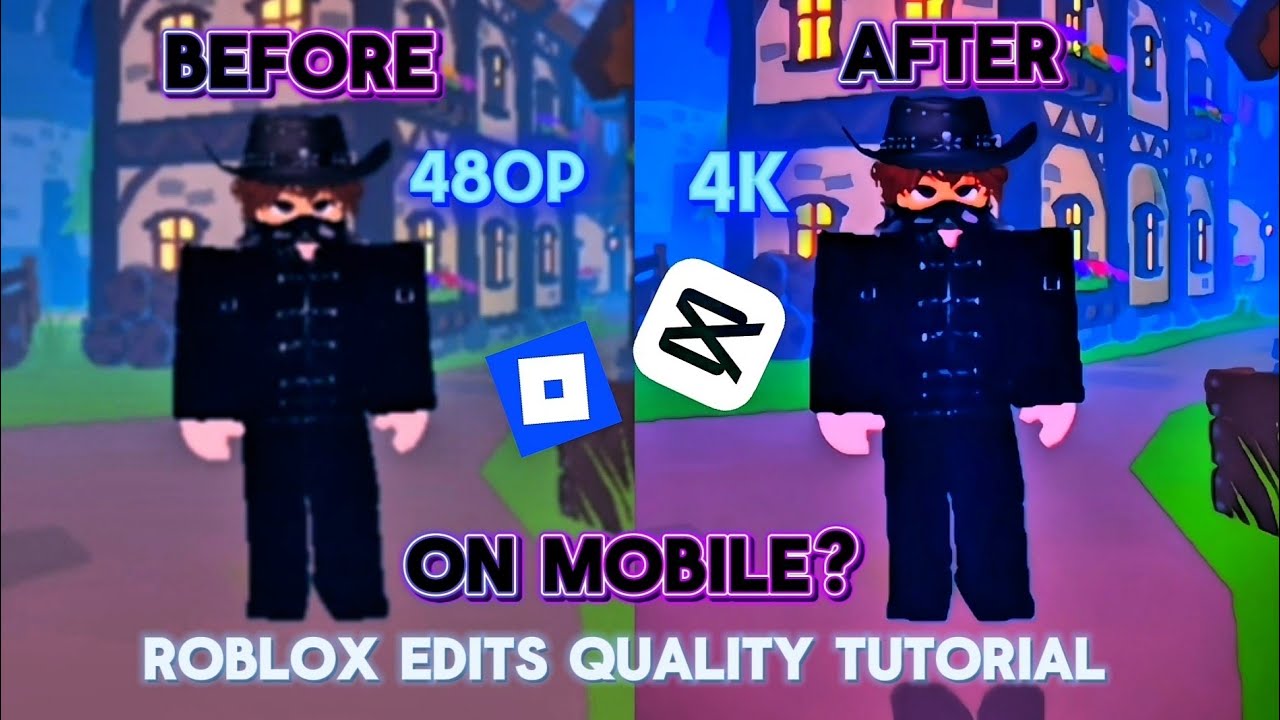
From 480p to 4K 💎 Ultimate Roblox Edit Quality Tutorial (CapCut/AE)
Get the cleanest quality for your Roblox edits! ❤️🔥 In today's tutorial, I'm breaking down the exact settings and steps you need to get crystal clear, high-quality (CC) and smooth rendering for your Roblox edits. No more blurry or pixelated videos! Whether you edit on CapCut, Alight Motion, or After Effects, these tips will instantly level up your edits. If this video helped you out, make sure to drop a LIKE, leave a COMMENT with your editing app, and SUBSCRIBE for more Roblox editing tutorials! 🚀 📥 My Links & Info: My Roblox Profile: Swara_singh13 EDITING APP Used: CAPCUY 🔍 Keywords & Topics Covered: ignore 🥱 Roblox edit quality tutorial, how to make smooth Roblox edits, best CapCut settings for Roblox, After Effects Roblox edit tutorial, how to get 4k Roblox edits, Roblox velocity tutorial, color correction tutorial, smooth motion blur. #Roblox #RobloxEdits #EditingTutorial #CapCut #AfterEffects #AlightMotion #VideoEditing #4KQuality
आपको ये भी पसंद आ सकते हैं
Featured Picks
और entertainment चाहिए? हमारे recommended gaming hub और short-drama destination को explore करें।