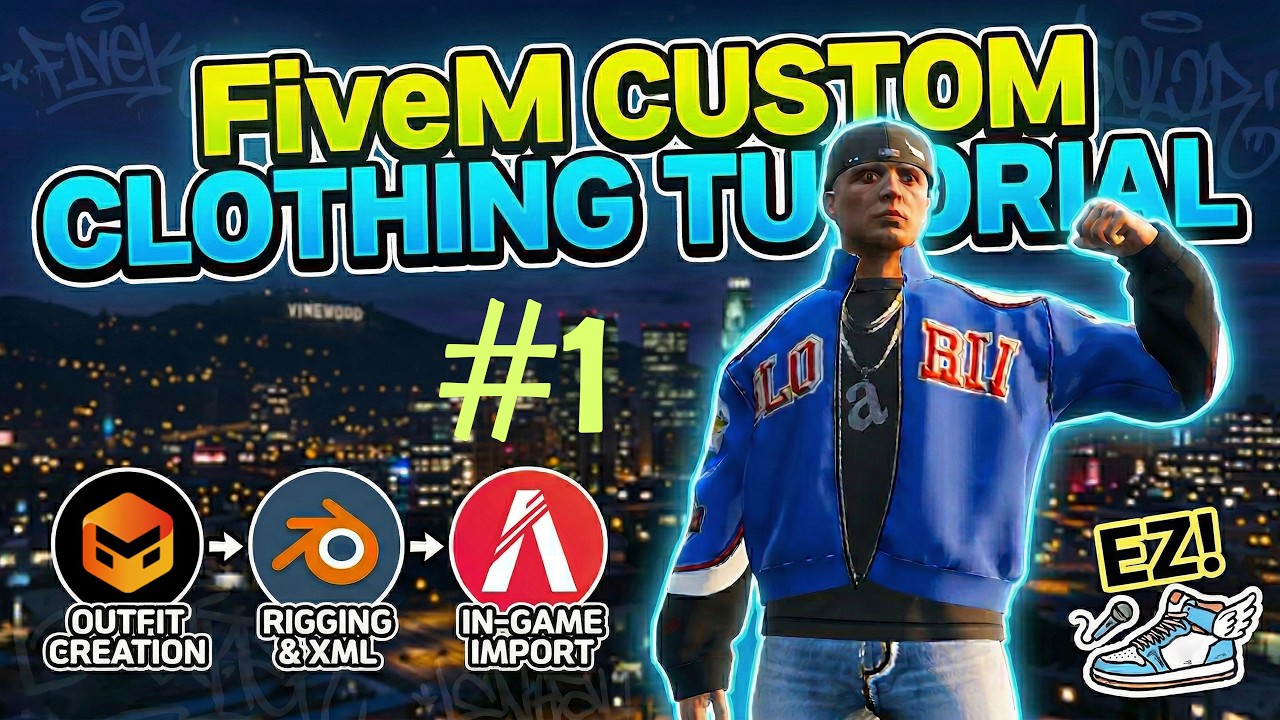
The Easiest Way to Start a FiveM Server & Install Mods | Part #1
*** Professional 3D Garment Designer | FiveM Custom Clothes 📩 DM for commissions. *** IG: https://www.instagram.com/wii_kim07/ What’s up, everyone! 😊 Today, I’m bringing you a full-on guide on how to create your own fire custom fits for your FiveM server. 🔥 Think modding is too hard? Don’t sweat it. I’ll show you how to whip up a design in Marvelous Designer, auto-rig via EveryWear, tweak it in Blender, and drop it straight into FiveM. It’s way easier than you think—let’s get into it! 🚀🚀 🔥FiveM Naming References🔥 📌FiveM Model/Texture Naming Convention - Model: https://docs.fivem.net/docs/game-references/ped-models/ - Texture: https://grzy.tools/catalog 🔥Package Links🔥 📌 Google Drive Package Link https://drive.google.com/drive/folders/1x5j9BPv7goB2c8PjAlt5g7n2S1DDeUjj?usp=drive_link 📌 Marvelous Designer Official Link https://www.marvelousdesigner.com/ 📌 EveryWear (Auto Rig) Official Link https://connect.clo-set.com/ko/everywear 📌 FiveM Link - Client : https://fivem.net/ - Server: https://runtime.fivem.net/artifacts/fivem/build_server_windows/master/ - Documents: https://docs.fivem.net/docs/server-manual/setting-up-a-server-txadmin/ 📌 XAMPP Client Link https://www.apachefriends.org/download.html 📌 CodeWalker Client Link https://github.com/dexyfex/CodeWalker 📌 Sollumz add-on Links - Github: https://github.com/Sollumz/Sollumz - Documents: https://docs.sollumz.org/ 📌Modding Folder Links - Affinity's EUP: https://github.com/lazerrwolf/EUP-Setup-Folder **📍Special Thanks to @affinitydev ** Time Stamp 00:00 Intro-Downloading 00:18 Installing FiveM Client 01:46 Login to FiveM 02:19 Unzip FiveM Server 03:30 Installing XAMPP 04:15 Activate XAMPP-Apache&MySQL 04:25 Installing FiveM Local Server (txAdmin) 09:24 Testing FiveM's Local Server 10:13 Creating a Temporary Character for the test 11:26 Install FiveM's Mods Folder 13:50 Install Blender's Sollumz.
Maaari Mo Ring Magustuhan
Featured Picks
Naghahanap pa ng mas maraming entertainment? Tuklasin ang aming recommended gaming hub at short-drama destination.