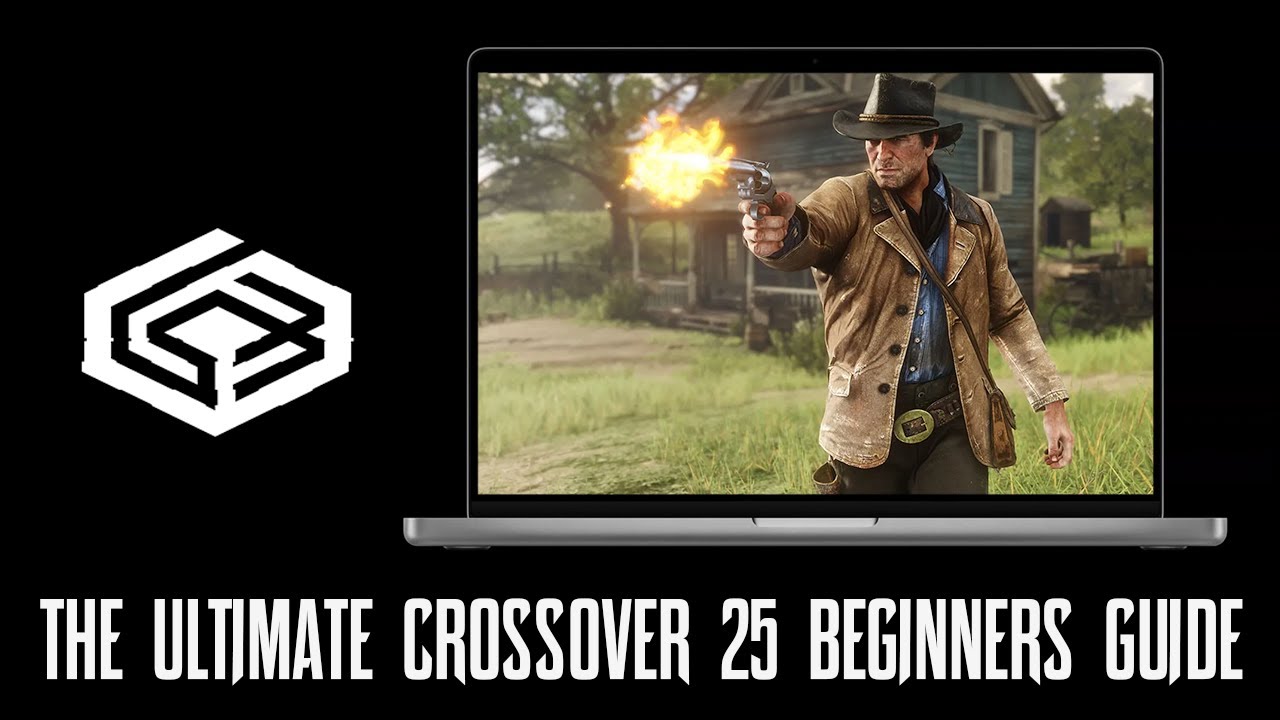
The Ultimate CrossOver 25 Beginners Guide! – Play PC Games on Mac!
Check out the Mac Gaming Discord Server! - https://discord.gg/9F7uUcjUNT Get 15% off CrossOver: https://www.codeweavers.com/store?ad=1011;deal=MPT15 Use promo code MPT15 at checkout! In this beginner-friendly guide, we’ll take an in-depth look at CrossOver 25 on Mac! Whether you’re brand new or just looking for a refresher, this video will cover everything you need to know to get started—plus a quick look at what’s new in version 25! 00:00 - Intro 00:55 - What is CrossOver? 1:40 - Game Compatibility Search 2:25 - Download CrossOver 2:56 - Setting up CrossOver 3:22 - What is a bottle? 4:00 - Making a bottle 5:05 - Editing a bottles config file 6:52 - Enable Metal HUD 8:11 - CrossOver Layout Breakdown 9:47 - Advanced Settings Closer Look 11:34 - CrossOver Layout Breakdown cont. 12:22 - How to run an .exe file 14:13 - Use an standalone game installer 15:39 - Bottle's Control Panel 15:57 - Testing a Game 18:20 - Submitting a report to CodeWeavers 18:57 - External Drive/Folder Info 19:49 - How to download to external drive/folder 24:11 - Controller Tips 25:45 - CX25 New Features 27:18 - Full Setup Walkthrough 29:51 - Testing Fallout 76 30:38 - Closing Note - Some games may require extra tweaks or may not run perfectly out of the box. For compatibility info, check out AppleGamingWiki and CodeWeavers.com FPS Counter - https://drive.google.com/file/d/1UN3w1b5hNRe9dqhO1nxt5FqdzsYzPhQI/view?usp=share_link FPS Desktop Shortcut - https://www.icloud.com/shortcuts/0cd4f0bf284843d2b53f87e064806621 CrossOver 25 - https://www.codeweavers.com/store?ad=1011;deal=MACPROTIPS 10% off with promo code: MACPROTIPS A big thank you to jfishin for helping make this video! Thanks for watching! Make sure to like and subscribe for more Mac gaming content.
قد يعجبك أيضًا
اختيارات مميزة
هل تريد المزيد من الترفيه؟ استكشف منصة الألعاب المقترحة ووجهة الدراما القصيرة التي نوصي بها.