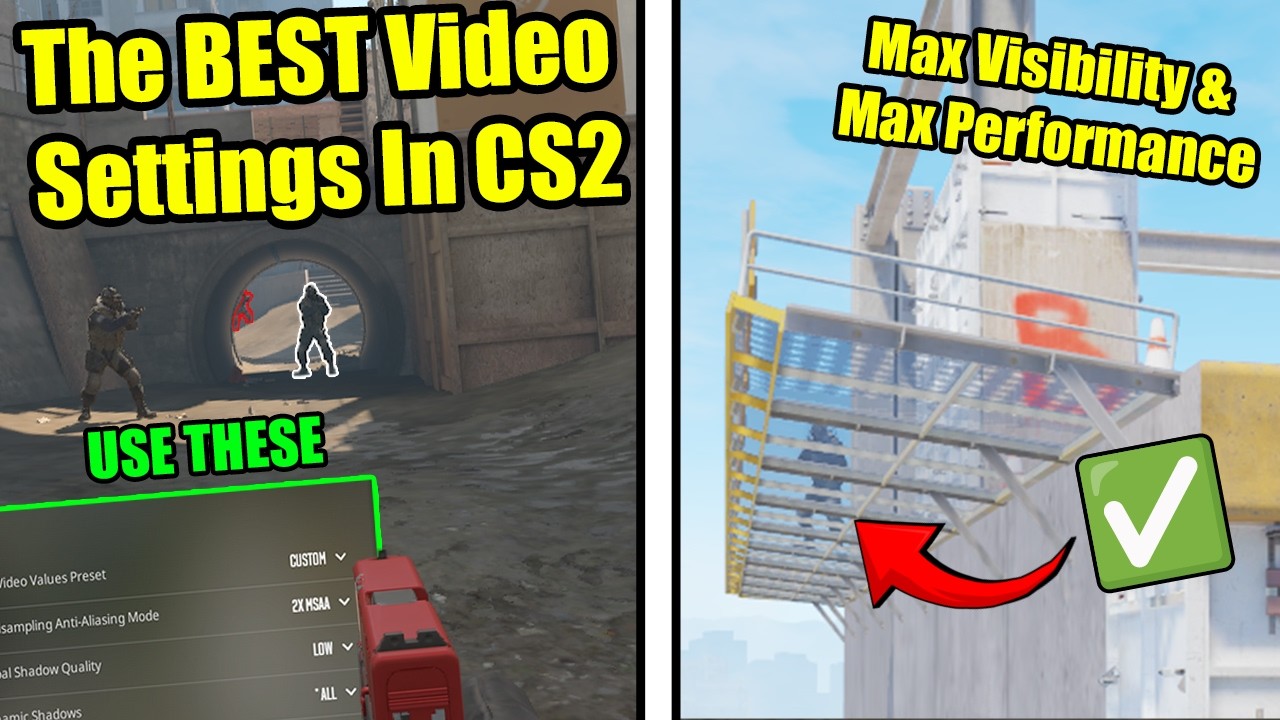
The BEST Video Settings For MAX Visibility & FPS In Counter Strike 2! (Comparisons + Analysis) (CS2)
Looking for the best CS2 video settings for max FPS, performance, and visibility? In this guide, I’ll show you the exact Counter-Strike 2 competitive settings I use, with benchmarks, comparisons, and gameplay examples so you can see why these matter in real matches. Boost Player Contrast: sharper enemies, easier spotting MSAA 2x: best balance between FPS and visibility through fences Dynamic Shadows: All – important for smoke and enemy shadows Global Shadow Quality: Low – no advantage to turning it higher Texture / Shader / Particle Detail: Low – best for performance HDR Quality: Quality – prevents grainy visuals FidelityFX Super Resolution: Disabled – avoids blurry enemies I also cover resolution choices (4:3 vs 16:9) in a separate video, so check that out if you’re deciding between stretched or native. overall, these are the best settings in cs2 for any advantage the game provides Whether you’re grinding Premier, FACEIT, or just playing ranked, these settings will give you higher FPS, cleaner visibility in smokes and darker areas, and the best balance of clarity and performance. 0:00 Intro 0:15 Basic Video Settings (Res, brightness etc) 0:52 Boost player contrast 1:22 *IMPORTANT* MSAA 2:30 Shadow Quality 2:45 Dynamic Shadows 3:00 Texture & shader detail 3:40 Texture Filtering 4:00 Particle detail, Ambient Occlusion, HDR, Fidelity 5:00 frame pacing 5:04 Final settings & summary
قد يعجبك أيضًا
اختيارات مميزة
هل تريد المزيد من الترفيه؟ استكشف منصة الألعاب المقترحة ووجهة الدراما القصيرة التي نوصي بها.